dani.tools
Your private utility drawer. Nothing uploaded.
dani.tools is the utility drawer you always wanted: twenty-eight everyday tools in one place, designed like a precise instrument — raised keys, status lights, an amber display — and built so that nothing you put in it ever leaves your device.
Photos get a real studio. Convert iPhone HEIC and every common format in batches, resize to exact sizes or shrink to a target file size, then crop with automatic object and page detection, fix perspective with four corners, edit light and colour, add text or a frame, cut out a background or paint away a watermark. Open a photo once and it is there in every tool — crop it, edit it, turn it into an icon set — without saving in between. Each tool can reset just its own changes, and Save or Close ask before anything is lost.
Video works the same way: convert and compress, trim, crop, turn a moment into a GIF, pull out frames or build a slideshow, mute or replace the audio, merge clips, and strip location metadata — using your browser's own hardware video codecs.
For documents and words there is a PDF studio with a full page viewer for merging and splitting, a Markdown studio with a true rich-text editor, a text toolkit, and a code formatter that saves back to the file you opened. Passwords show their real strength, with an optional breach check that sends only five characters of a hash. A QR studio, a hash and encoding bench and a currency matrix round it out, and the home screen keeps currency, weather and world time one glance away.
It remembers what you were doing on this device, so a reload never loses your place — and it keeps working offline.
How it works
Open
Drop a photo, video, PDF or text file anywhere — it opens in the right tool. Or start typing.
Work
Move the same file through any tool. Crop, edit, convert, merge or format — every step stays editable.
Save
Save back to your file or Save as a new one. Nothing was ever uploaded, so there is nothing to delete.
Key Features
28 tools, one calm panel
Images, video, PDF, text and code, and everyday utilities, grouped into banks you can scan in a second. Widgets for currency, weather and world time sit right on the home screen.
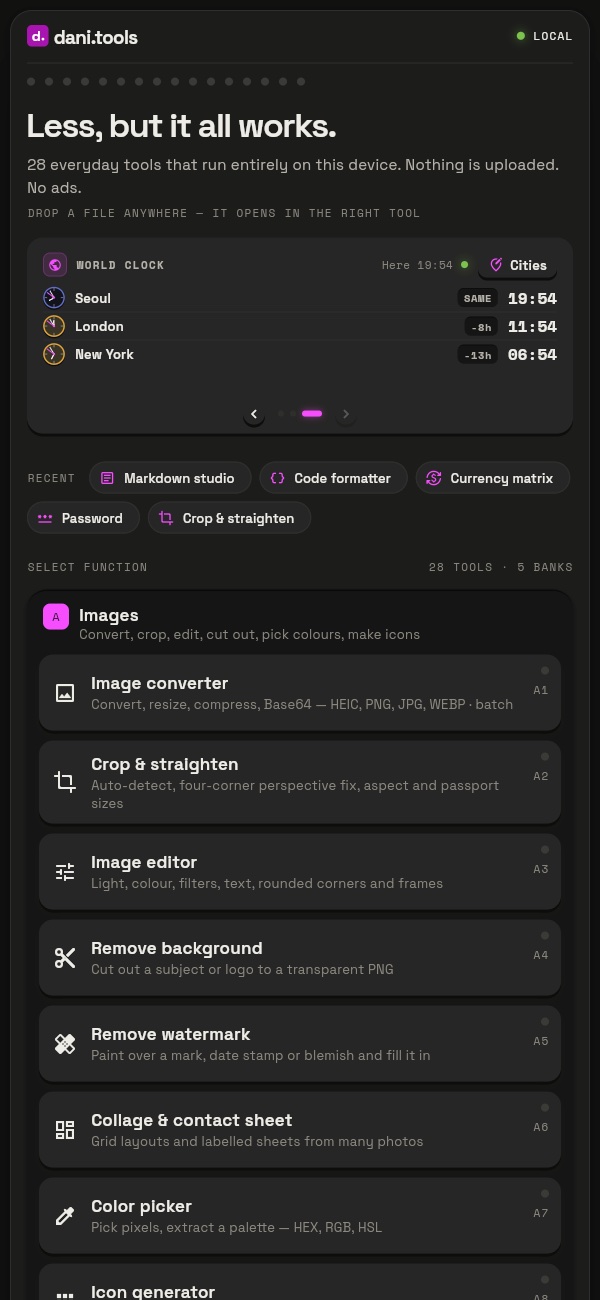
The dani.tools home screen with the widget carousel and tool banks
A photo studio that never uploads
Crop, straighten, edit, cut out backgrounds and remove watermarks in your browser. A shared workspace carries the same photo through every tool, with Save, Close and Reset where you expect them.
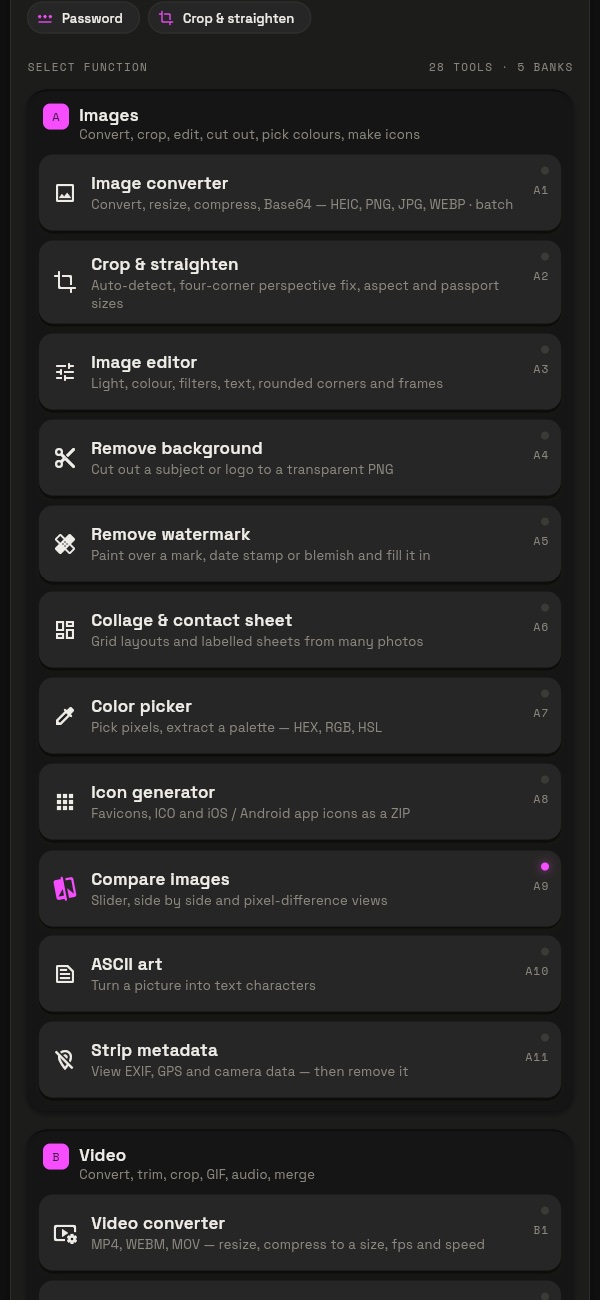
Image tools sharing one open photo across crop, editor and background removal
Markdown, the way you read it
Write in plain Markdown or straight into the formatted document with the Rich editor. Convert to HTML or PDF, build tables, generate a table of contents and tidy the file — every change listed before you apply it.
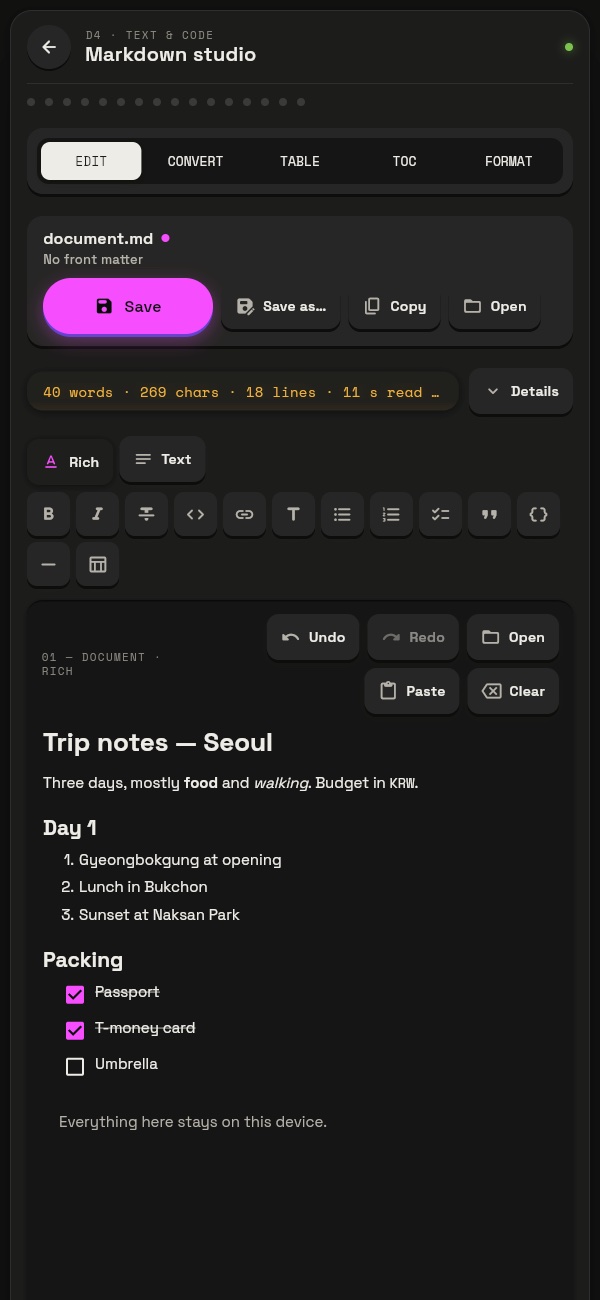
Markdown studio in Rich mode
Code that saves where it came from
Beautify, minify and validate JSON, XML, HTML, CSS and JavaScript, explore JSON as a tree, and Save straight back to the file you opened — or Save as with the right file type.
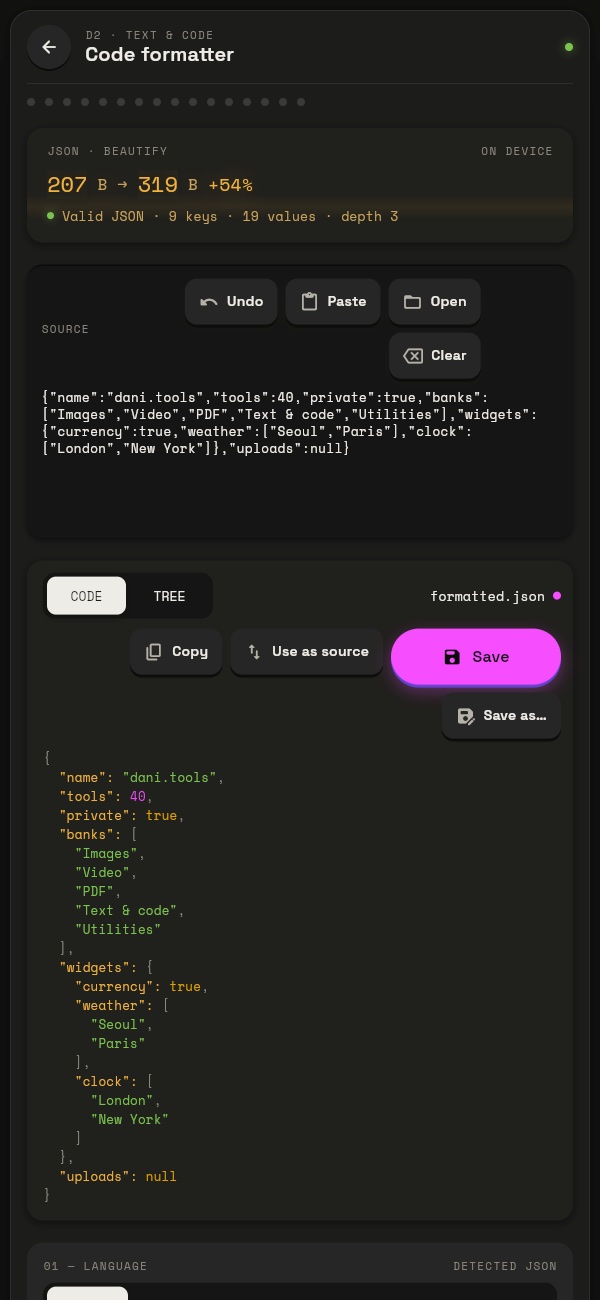
Code formatter showing beautified JSON
Passwords you can trust
Generate passwords and passphrases with exact entropy, check one against known breaches without revealing it, and see how strong a word-based password really is.
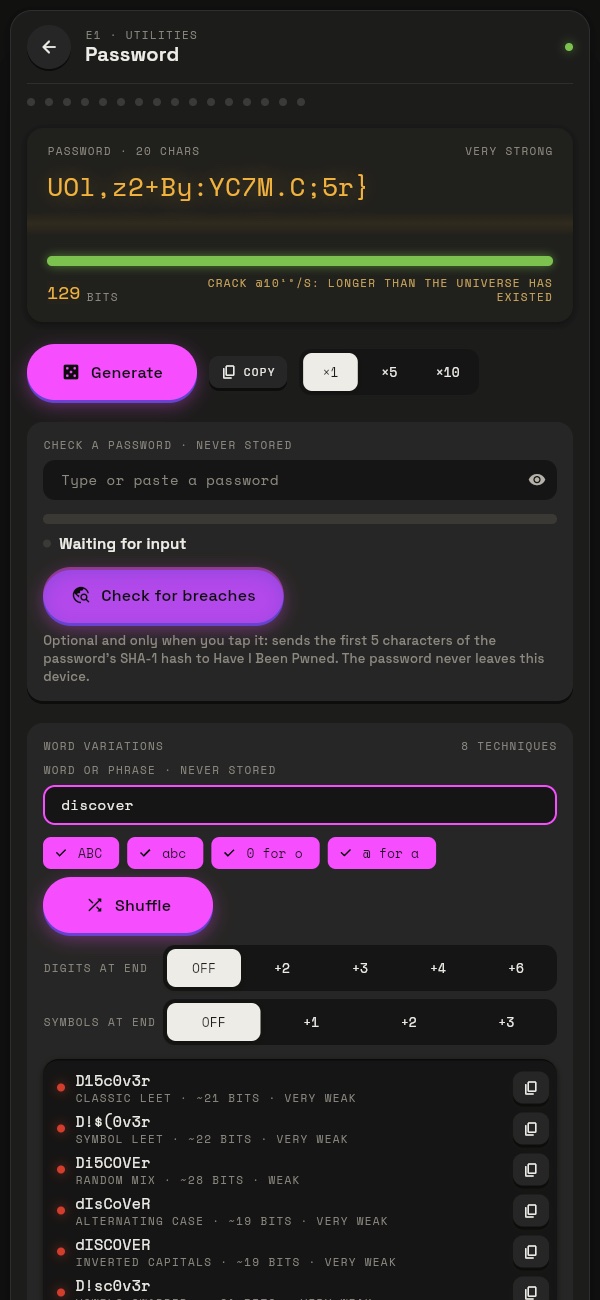
Password generator with strength and word variations
Every currency at once
Type an amount once and see it in every currency you care about, with a 30-day trend to tell you whether today's rate is a good one.
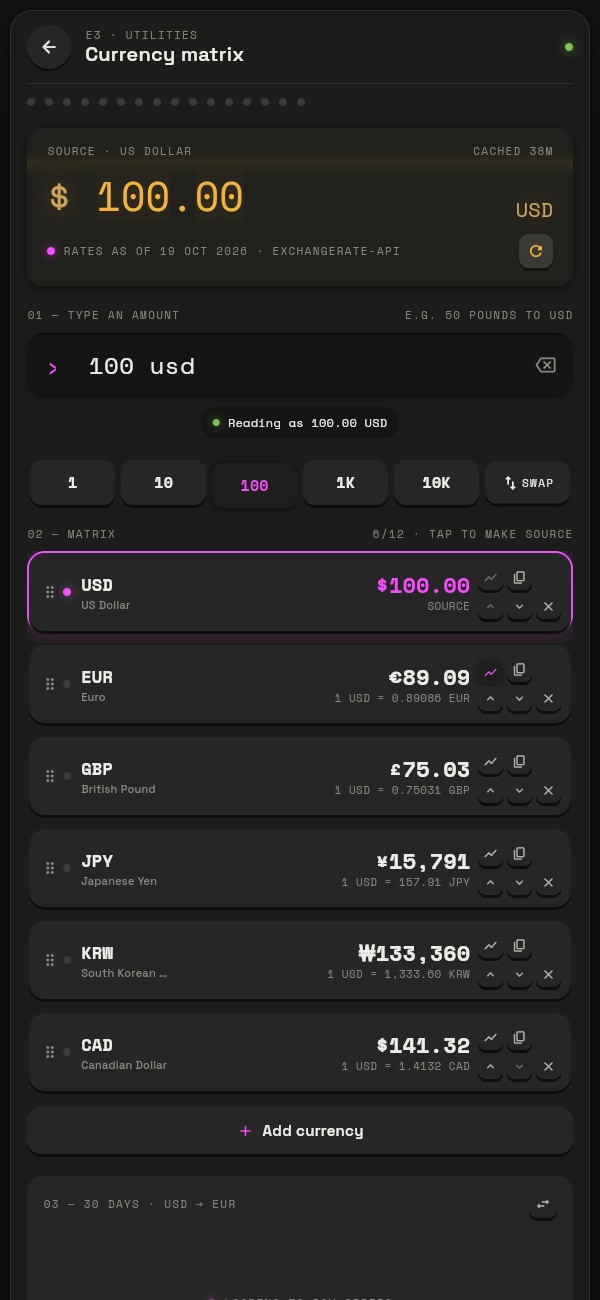
Currency matrix with several currencies and a trend chart
Perfect for
Sharing photos safely
Strip the GPS location and camera data from photos, shrink them to an email-friendly size and convert iPhone HEIC to JPG — without handing them to a website.
Paperwork
Scan receipts and documents with the crop tool, straighten them, and bind them into one PDF; merge and split contracts with a page viewer.
Developers and writers
Format and validate JSON, tidy Markdown, convert it to HTML or PDF, hash and encode strings — and save back to the original file.
Travellers
Currency in every money you use, weather for every city on the trip, and the time where everyone else is.
Why we built dani.tools
“Most "free" utility sites upload your files to servers you know nothing about, wrap them in ads and cap what you can do. dani.tools does the work in your browser instead — instant, private by design and free to run — and it is built to be a pleasure to use, one precise tool at a time.”
Free vs. Premium
Free
$0
- Every tool, free
- No account, no sign-up
- No ads, no watermarks
- Files are processed in your browser and never uploaded
- Remembers your work on this device and works offline once loaded